Description
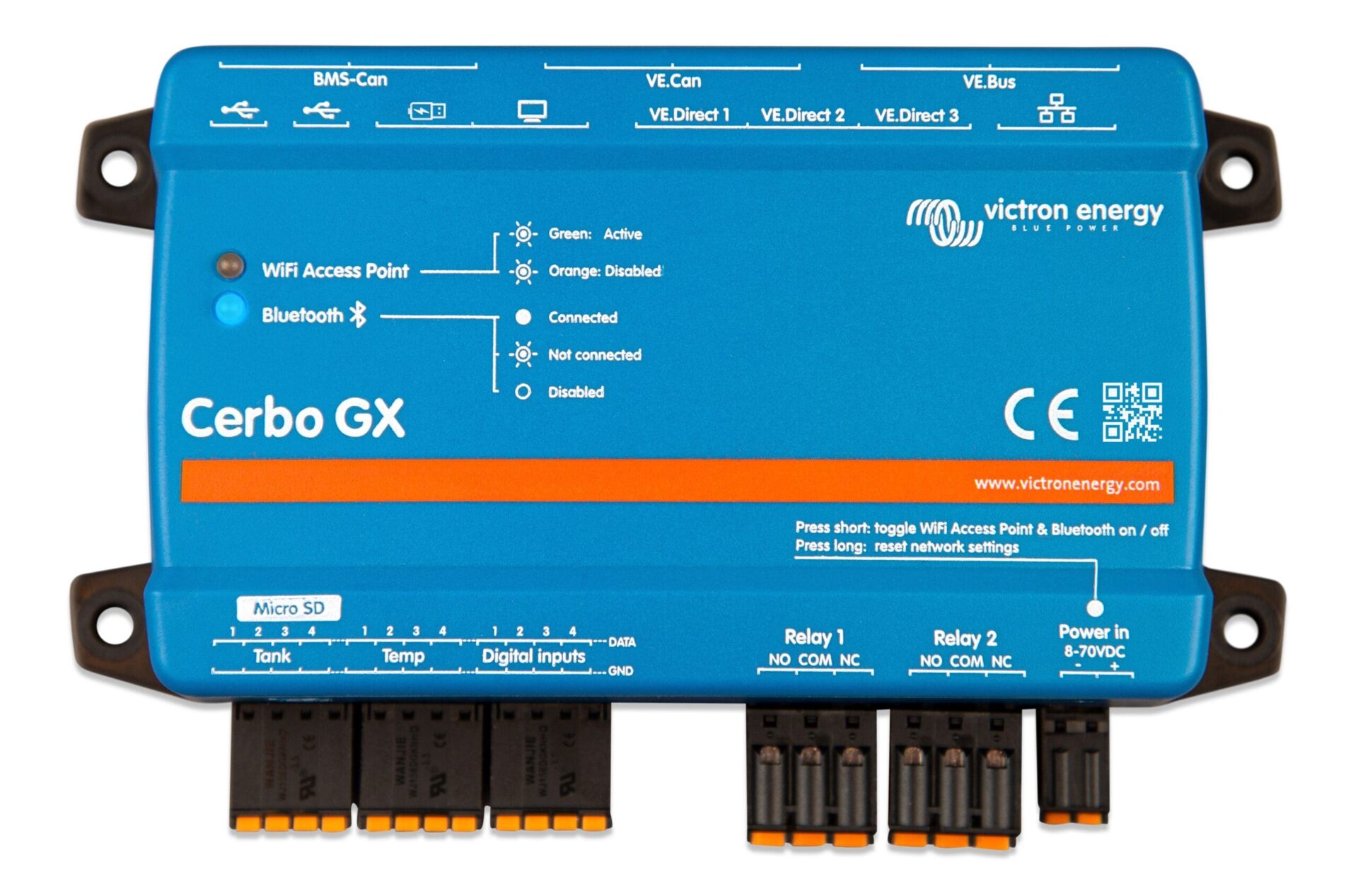
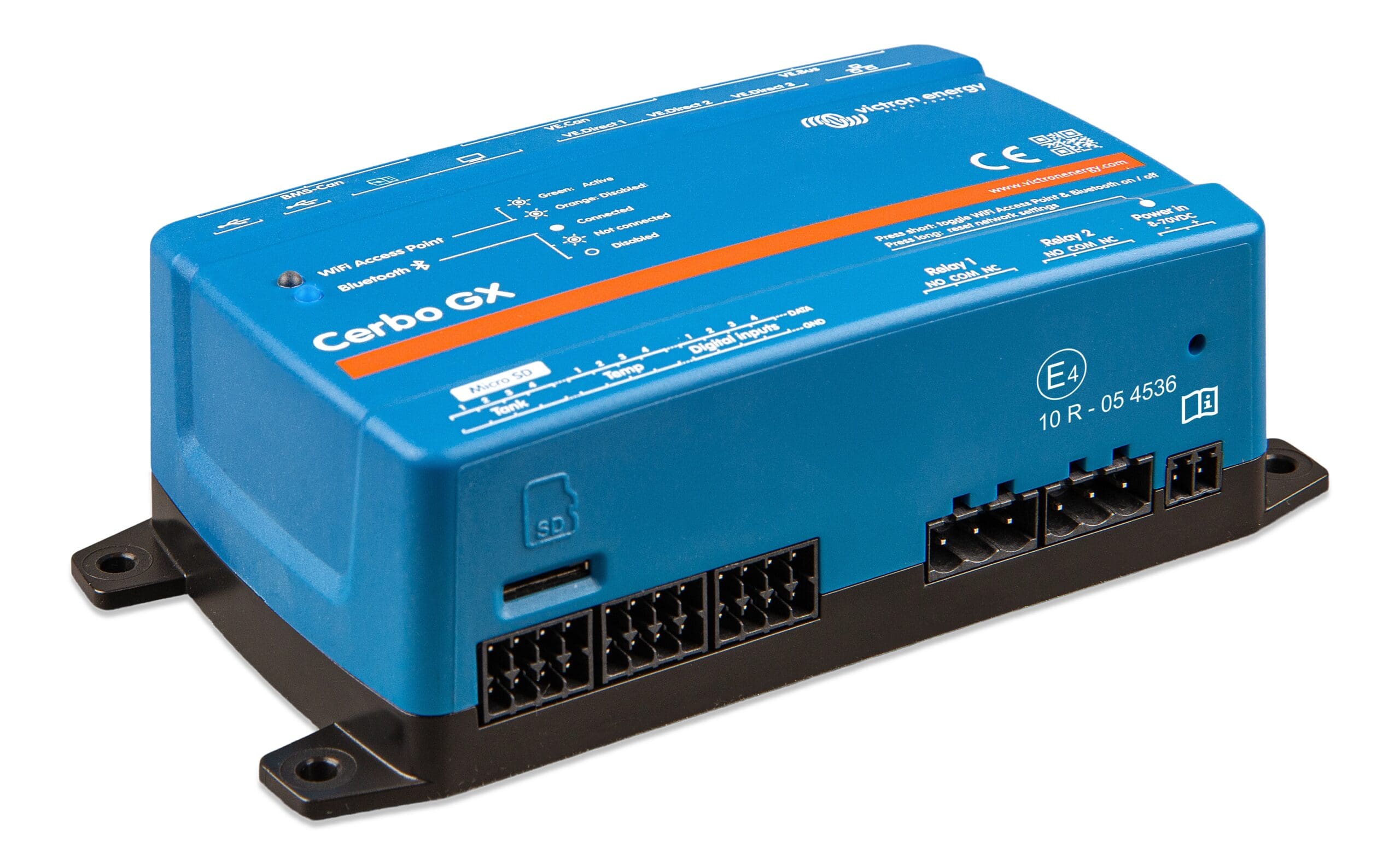
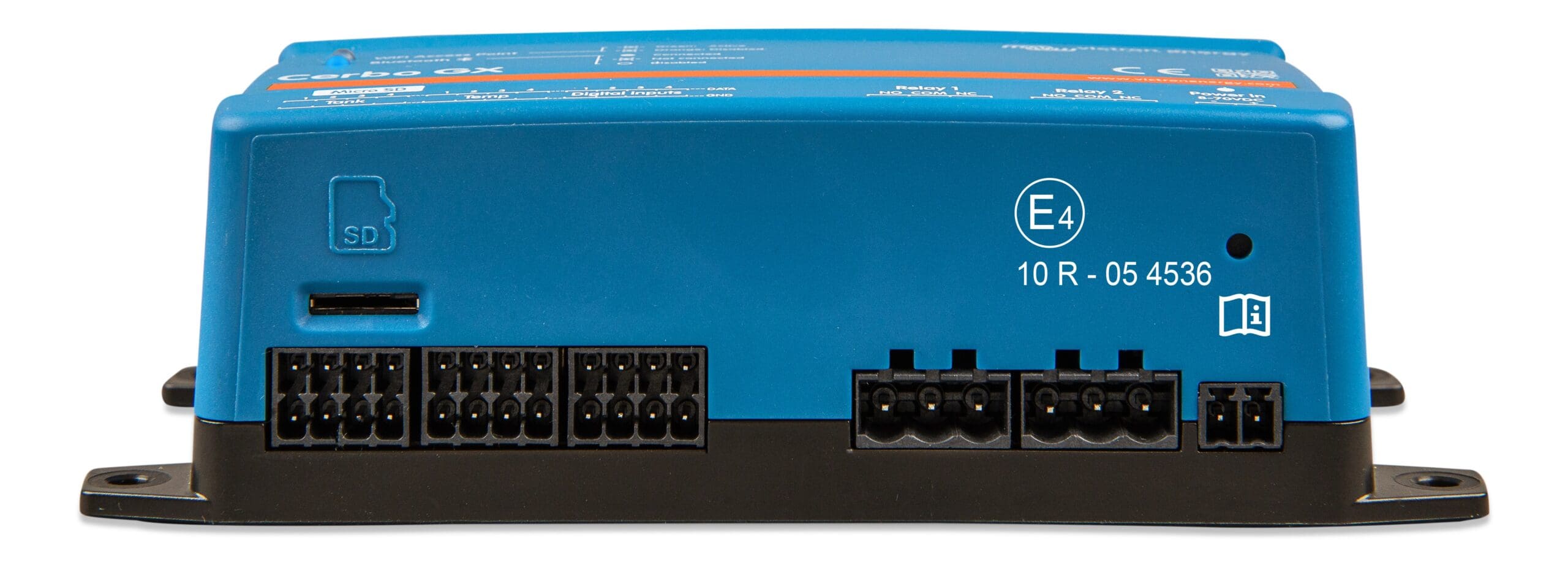
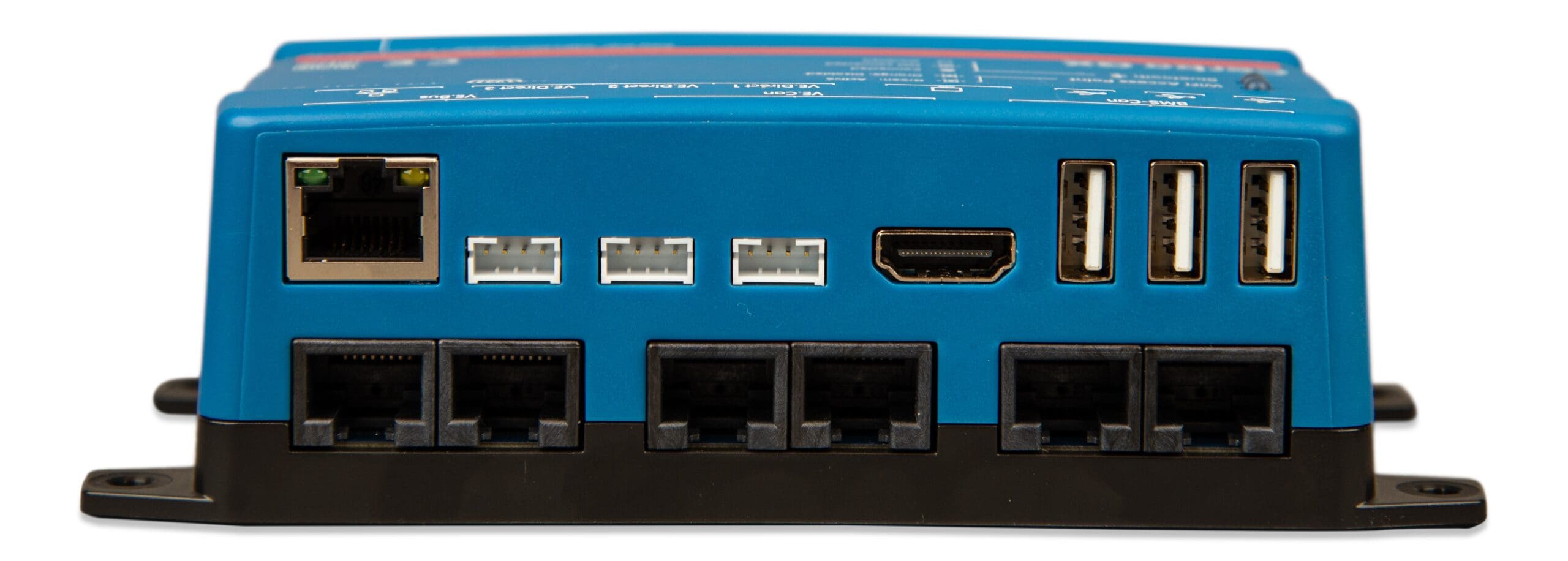
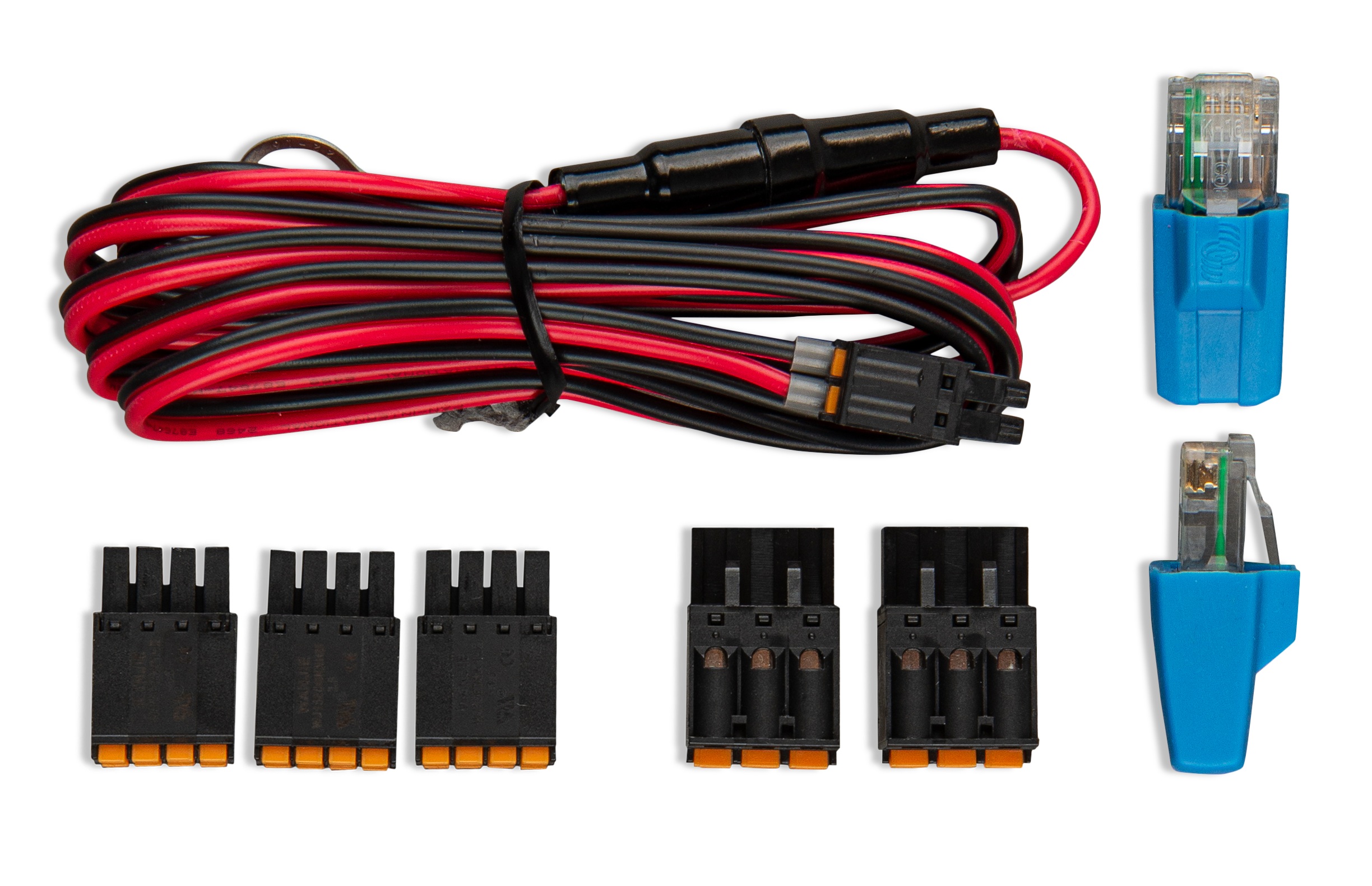
Victron Energy Cerbo GX MK2 Communications Center
For every Victron System, Trophy Battery highly recommends including a Cerbo GX. The Touch 70 touchscreen display is optional, but desirable. It is possible to have a Victron System without a Cerbo GX, but this limits our ability to support your system remotely.
With a Cerbo GX, Trophy Battery will be able to monitor your system (with your permission) and make changes to your system, if necessary. The Cerbo GX and Wi-Fi or Ethernet connection enables the use of Victron Remote Management (VRM).
Cerbo GX: Communication Center Overview
This Communication Center allows you to always have perfect control over your system from wherever you are and to maximize its performance. Simply access your system via our Victron Remote Management (VRM) portal, or access it directly, using the optional GX Touch screen,
or the VictronConnect app thanks to its Bluetooth capability.
GX Touch 70 – Optional Touchscreen display
The GX Touch 70 series is a display accessory for the Cerbo GX. This gives you an instant overview of your system and allows you to adjust settings. Simply connect the display to the Cerbo GX with just one cable. The GX Touch 70 has a waterproof design and is simple to install. The supplied protection cover prevents damage from UV light during prolonged exposure to the sun.
Remote Console on VRM
Monitor, control and configure the Cerbo GX remotely, over the internet. Just like if you were standing in front of the device, using Remote Console. The same functionality is also available on the local network LAN, or using the Wi-Fi
Perfect monitoring & control
Instantly monitor the battery state of charge, power consumption, power harvest from PV, generator, and mains (Grid power), or check tank levels and temperature measurements. Easily control the shore power input current limit, (auto)start/stop generator(s) or change any setting to optimize the system. Follow up on alerts, perform diagnostic checks and resolve complications remotely.
Simple mounting and configuration
The Cerbo GX is easily mountable and can also be mounted on a DIN-Rail using the DIN35 adapter small, (not included). Its separate touchscreen can be bolted on a dashboard, eliminating the need to create perfect cut-outs. Connection is easy via just one cable, taking away the hassle of having to bring many wires to the dashboard. The Bluetooth feature enables a quick connection and configuration via our VictronConnect app.